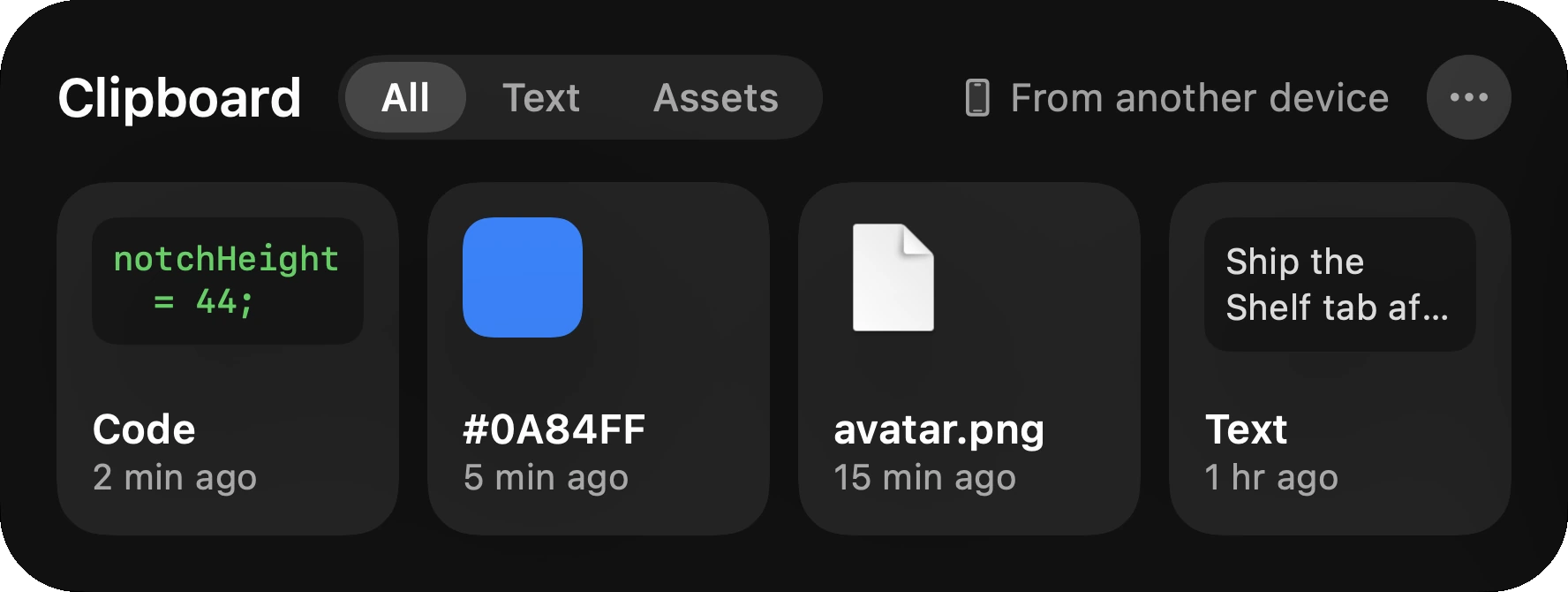
Tilora keeps the last twelve things you copied: text, links, code, colors and images. Press ⇧⌘V in any app to open them in the notch, and click one to copy it again.
Free for 7 days. Then $9.99, once. macOS 14 or later.
Passwords are skippedWhat a password manager marks as concealed is never kept, and never shown.
Forgotten when you quitThe history lives in memory, on your Mac. Quit Tilora and it’s gone.
Snippets for what you type oftenKeep replies and addresses you paste every day on a Snippets card on Home.
Made for the way you copy
Copy a few things in a row, then paste them where they go, in any order. Filter by text or images. Pictures can be dragged straight out of the card into an email or a chat.
The shortcut is yours to change, or turn off, in Settings.
Questions
Does the clipboard history go online?
No. It stays in memory on your Mac and is forgotten when Tilora quits.
Can I change ⇧⌘V?
Yes. Any shortcut you like, or none, in Settings › Clipboard.
 Tilora
Get Tilora
Tilora
Get Tilora