Music from anywhere.
Apple Music, Spotify, even a YouTube tab. Skip, scrub and switch speakers. Go on, press pause.

 Tilora
Get Tilora
Tilora
Get Tilora

Music, meetings and files, right where you’re already looking.
Free for 7 days. Then $9.99, once.
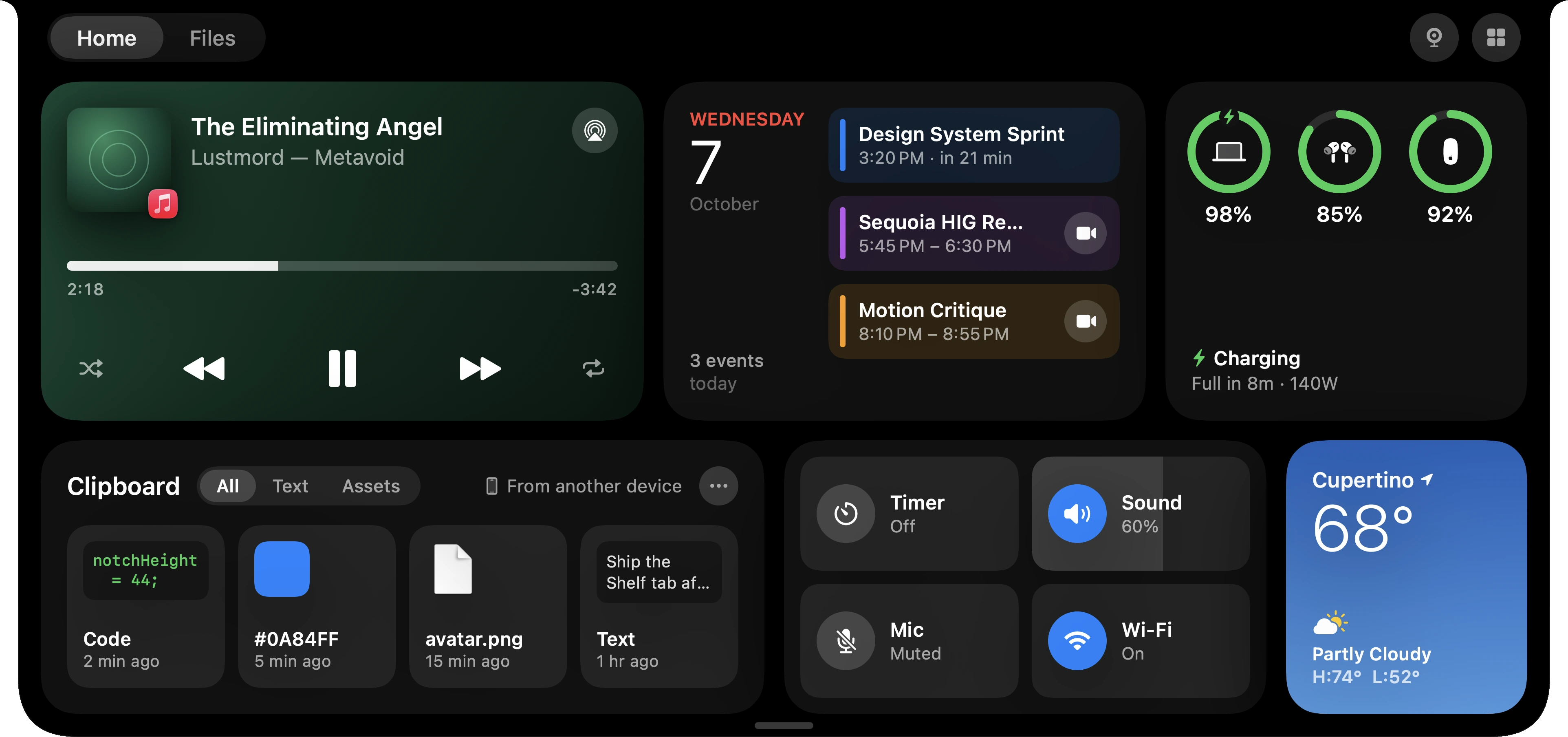
Most of the time, it’s just your notch. Then something worth knowing comes along.
Artwork on one side. A live level on the other. That’s it.

Press a key and the level appears in the notch, not in the middle of your work. Brightness too. It’s off until you turn it on.

The last minute before a meeting counts down, in your calendar’s color.

New song. Meeting starting. Timer done. A quick heads-up, then it’s gone.
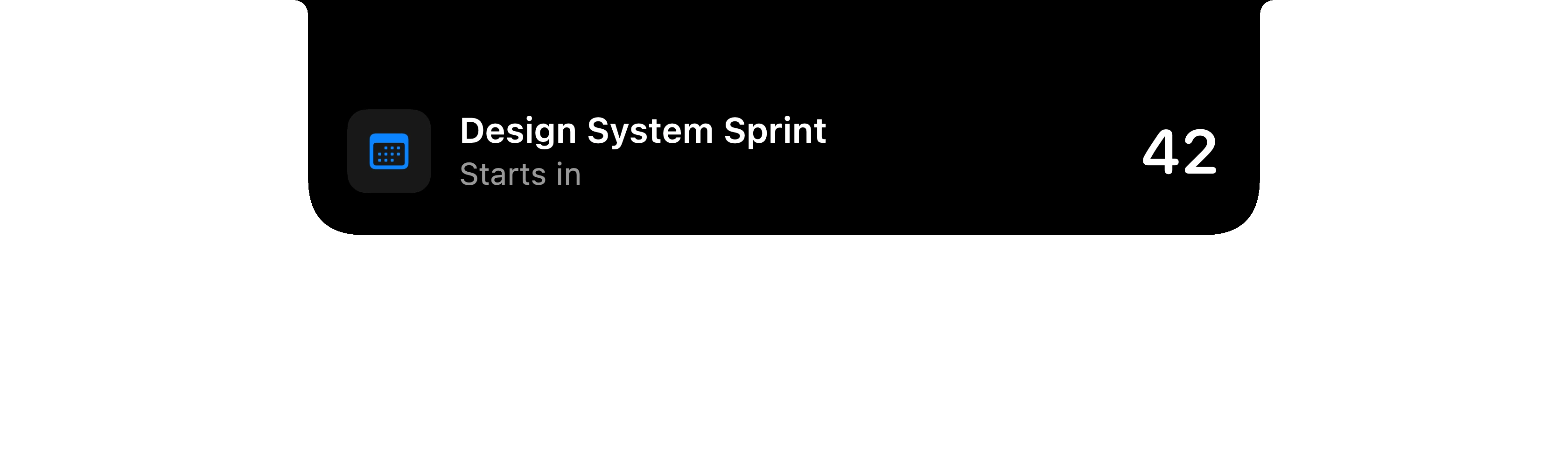
Rest your pointer on the notch for a small player. Click it for everything else.

Drag files to the top of your screen and the notch opens to catch them.

Open it up and it’s all there. Music, calendar, clipboard, controls and weather.
Six cards. Your files a swipe away. A mirror when you need one.
Apple Music, Spotify, even a YouTube tab. Skip, scrub and switch speakers. Go on, press pause.
What’s next, what’s on now, and how long is left. Join with a click.

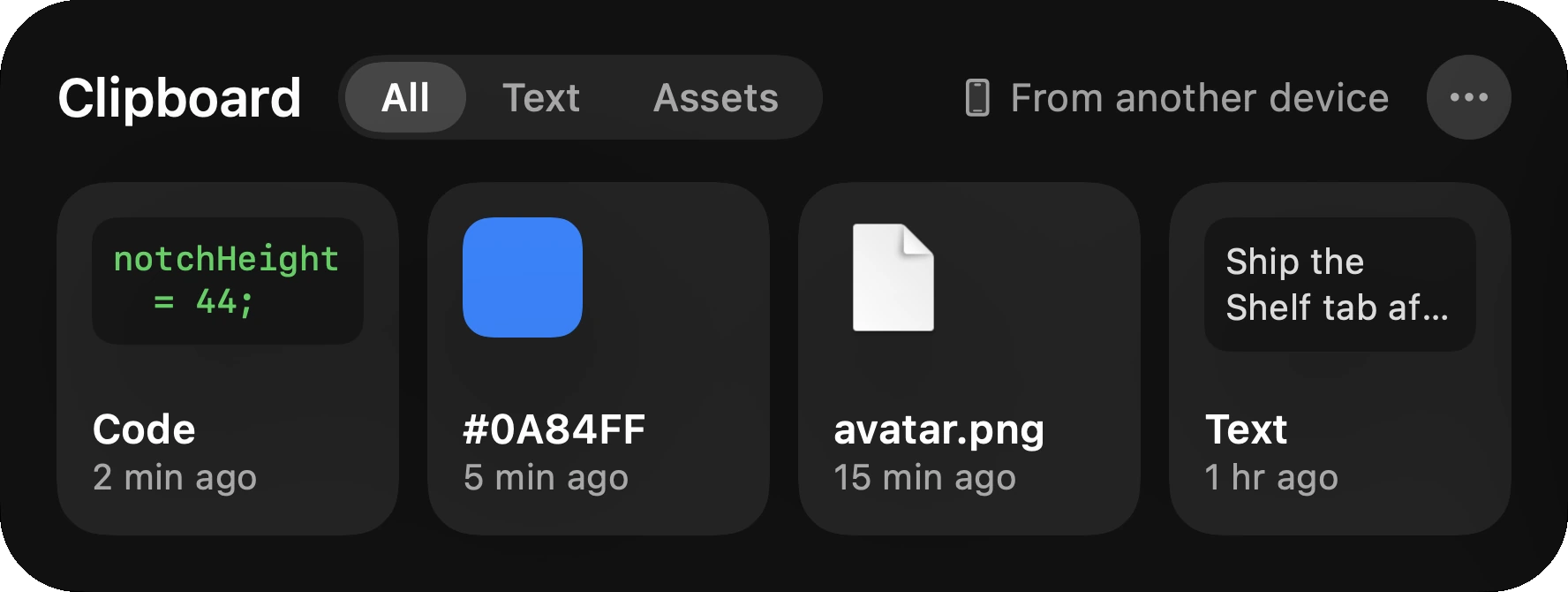
Your recent copies, from text to colors to images, ready to drag back out. Even what you copied on your iPhone.
Right now, right where you are.

A timer. Volume at your fingertips. Mic and Wi‑Fi.

Your Mac, your AirPods, and anything else that’s connected.

A shelf to park files while you work, right next to Downloads and Desktop. AirDrop is one click away.
Pull down for a quick look before a call. The camera turns off the moment you’re done.
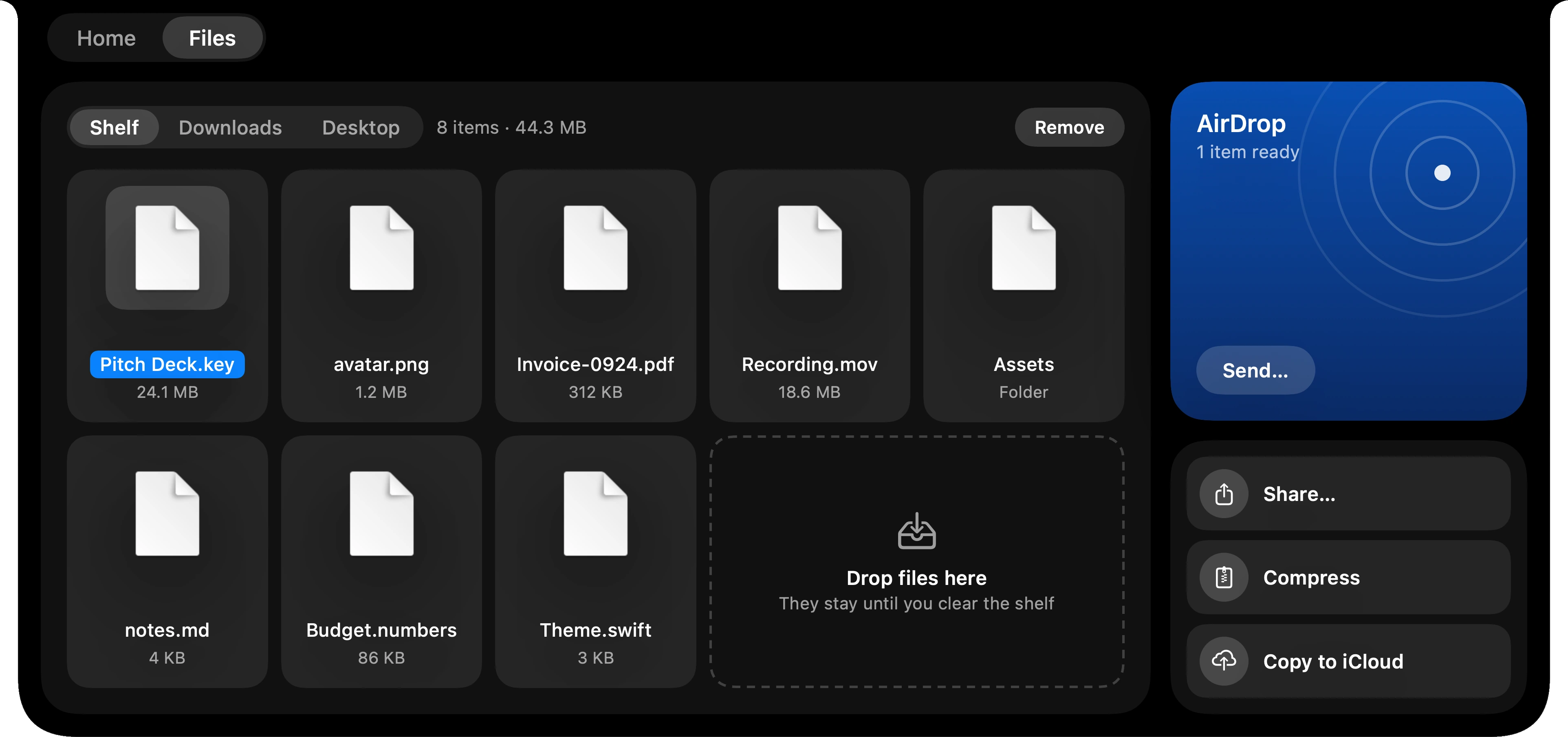
Your newest downloads and desktop files are already in the notch. Pick a few, drop them on the Shelf, and they stay there until you need them.
Drag a file onto AirDrop and it’s handed straight over. While AirDrop opens, the notch keeps you posted.
Follow your team and the notch keeps the score. When they score, it tells you who.
No account. No tracking. No ads. Tilora asks for a permission only when a feature needs it, and works fine without the ones you skip.
No subscription. Use it on three Macs and get every update.
Free for 7 days, with everything in it. No card. No account.
Your license key arrives by email. Enter it once on each Mac.
Yes. Tilora is free for 7 days, with everything in it. No card and no account. After that it’s $9.99, once, and if you change your mind within 14 days of buying, you get your money back.
Any Mac running macOS 14 or later, with Apple silicon or Intel. On a display without a notch, Tilora adds a small notch of its own at the top of the screen.
Three, with a single key. If you get a new Mac, you can remove an old one right from Tilora.
Only the ones for features you use. Calendar for your day. Location for weather. Camera for the mirror. Accessibility for volume and brightness in the notch, calls, messages and window snapping. Screen Recording to record the screen or watch an area of it. Microphone and Speech Recognition to transcribe your voice. Skip any of them and everything else keeps working.
You don’t have to do anything. Tilora downloads new versions in the background and installs them when the notch isn’t busy.
No. The only thing Tilora can replace is the volume and brightness display, and that’s off until you turn it on. One click in the menu bar turns it off again.
Email support@tilora.io. A person will answer.

Wednesday
7
October
3 events
today
Design System Sprint
Now, 26 min left
Sequoia HIG Review
6:04 PM – 6:49 PM
Motion Critique
8:29 PM – 9:14 PM
